Working demo · Restaurants & cafés
Restaurant system
A QR menu, ordering flow and manager workspace for restaurants that need fewer handoffs.
The problem
The kitchen gets the information too late.
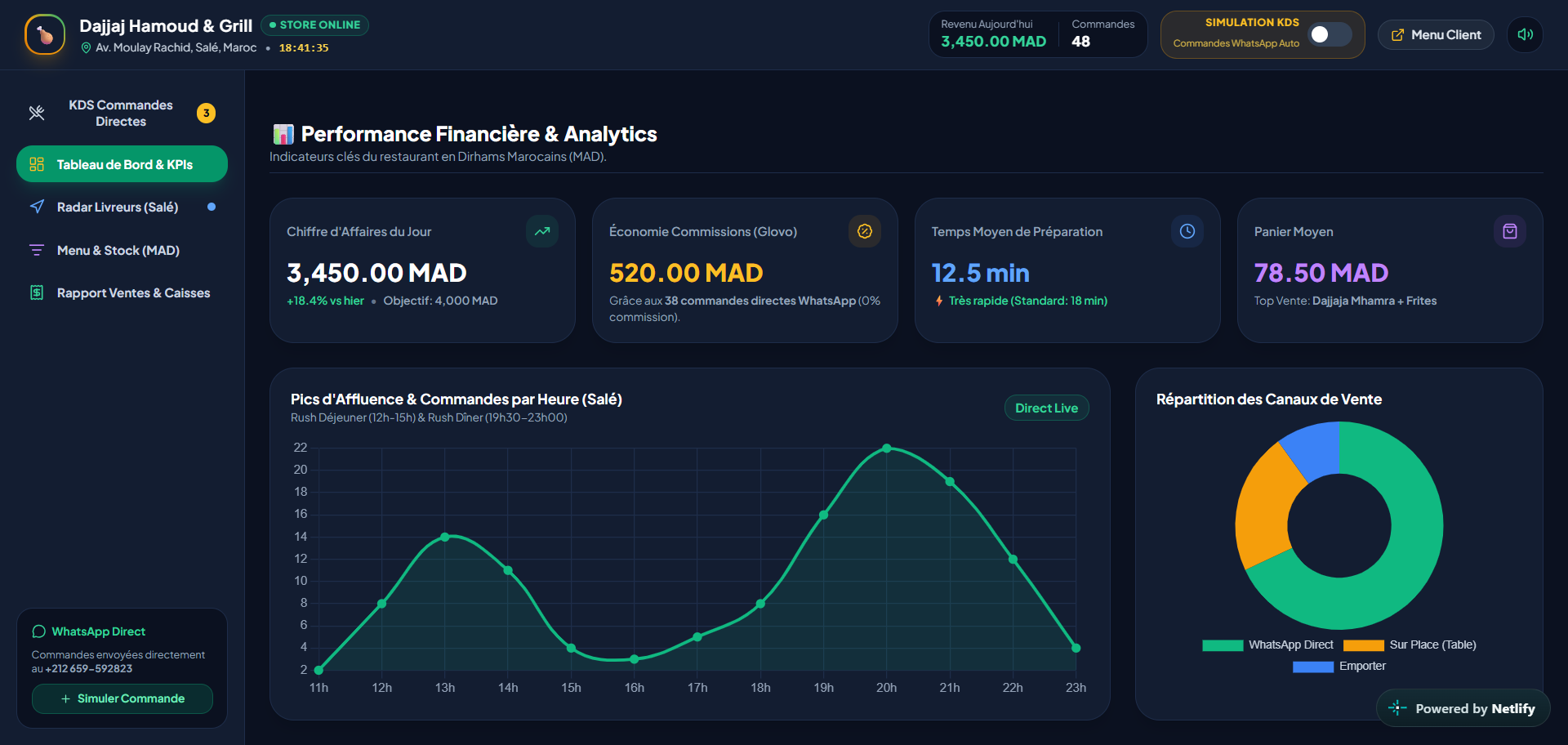
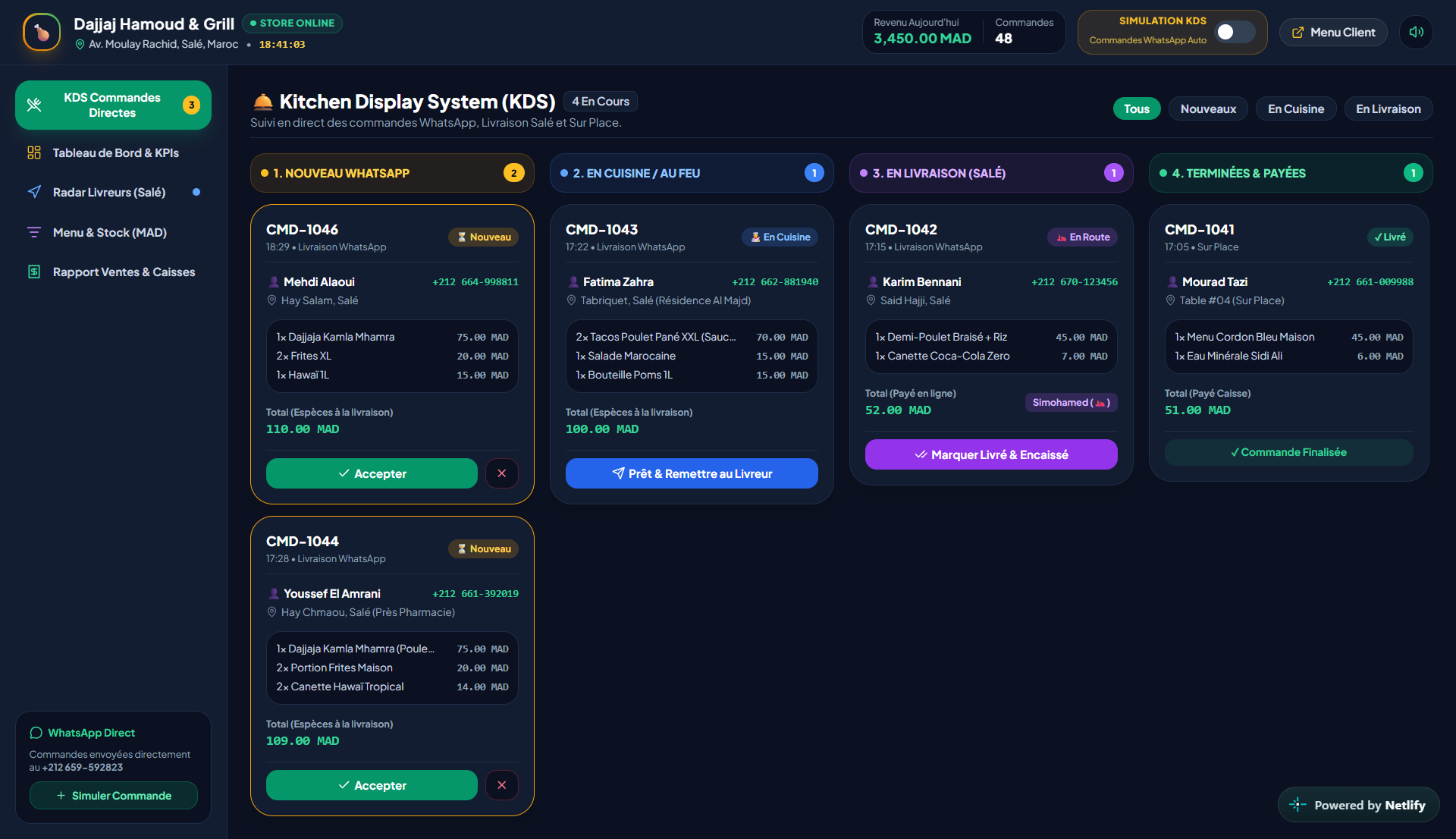
Menus change, orders are repeated manually, and the kitchen often receives information late. A restaurant system should connect the guest action to the order queue, menu control and owner reporting.
How it fits together
- Owner / manager
- Manager workspace
- Orders / menu / kitchen queue
- QR menu + order status
- Guest experience
Two sides, one system
The manager side and the customer side, on the same system.
- Dashboard
- Orders
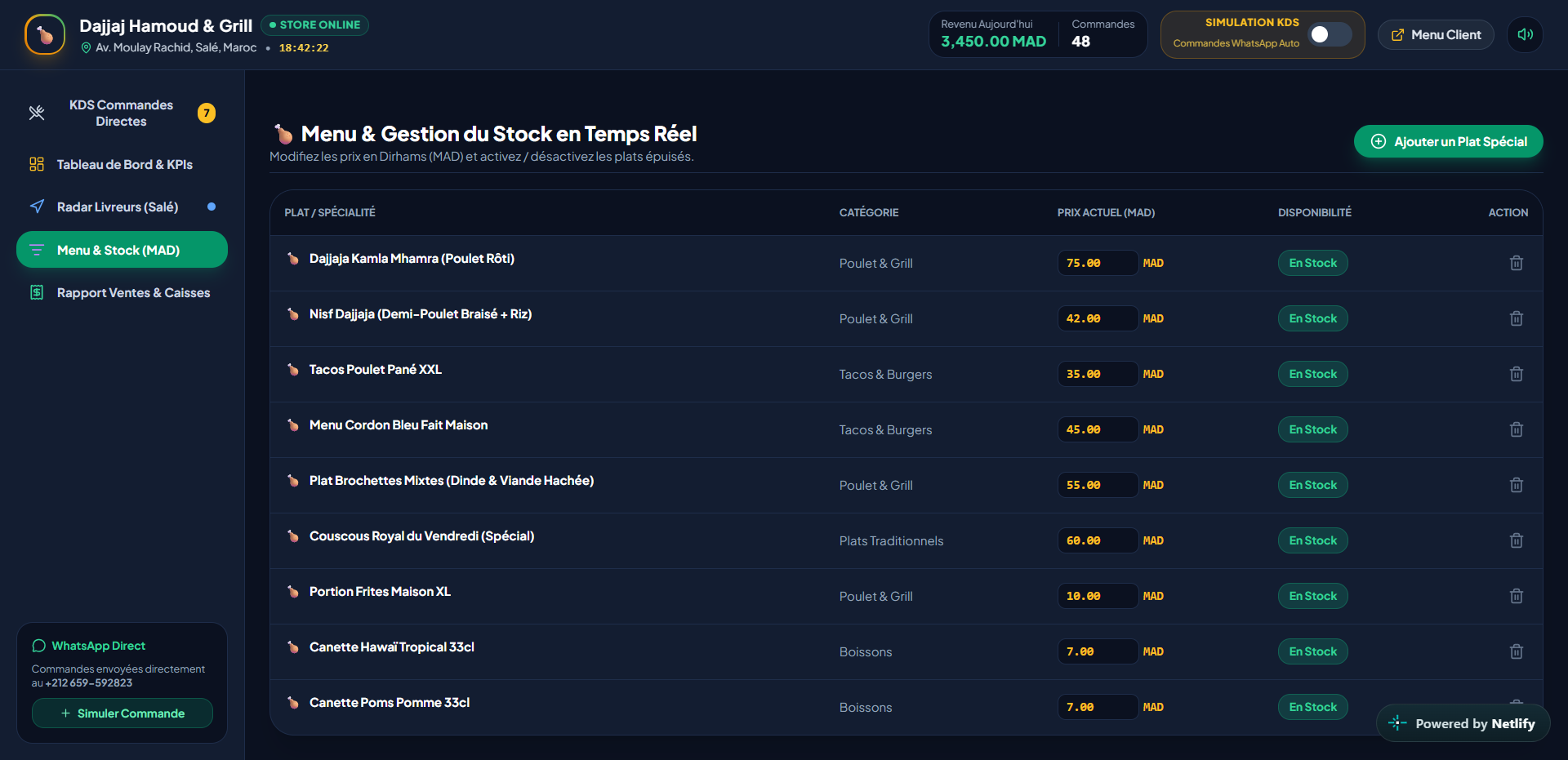
- Menu manager
- Kitchen queue
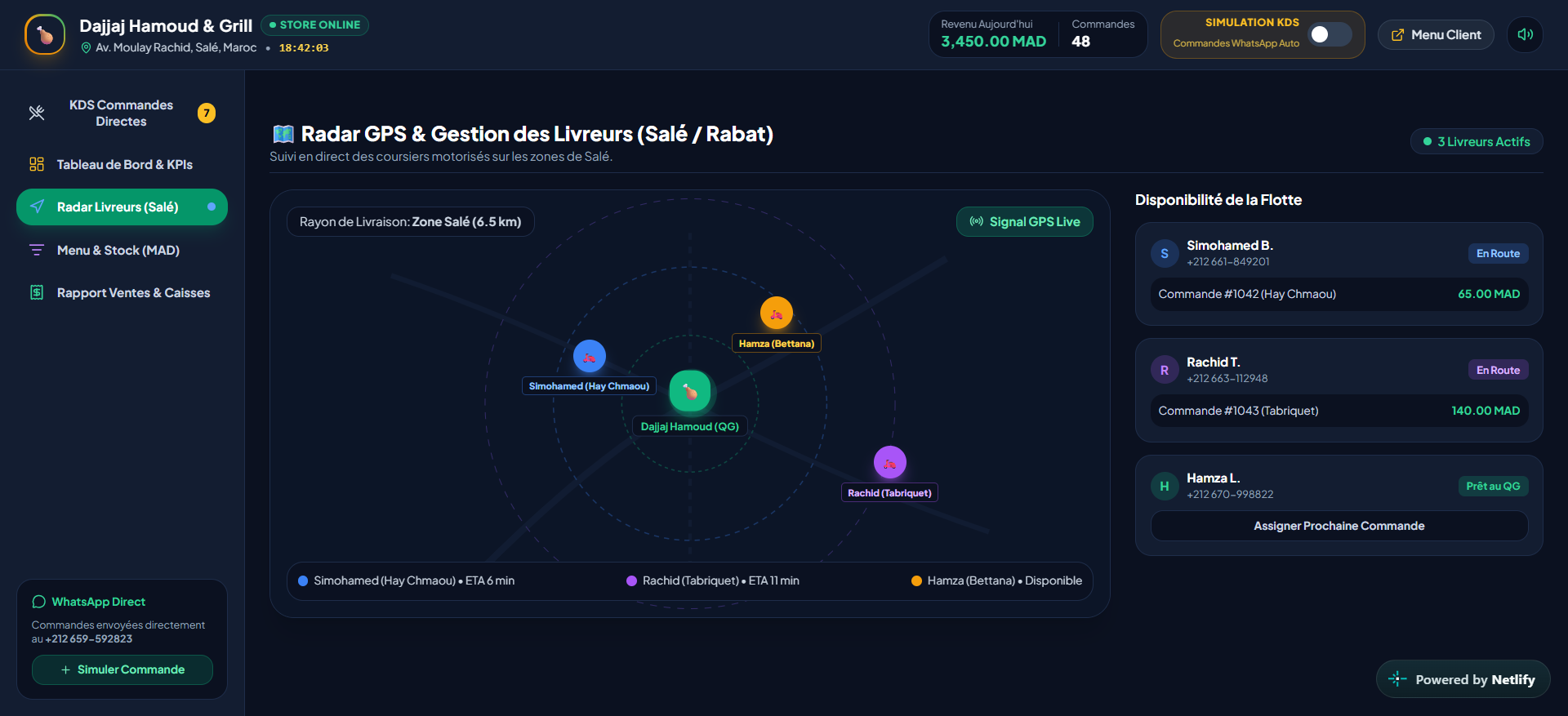
- Delivery
- Analytics
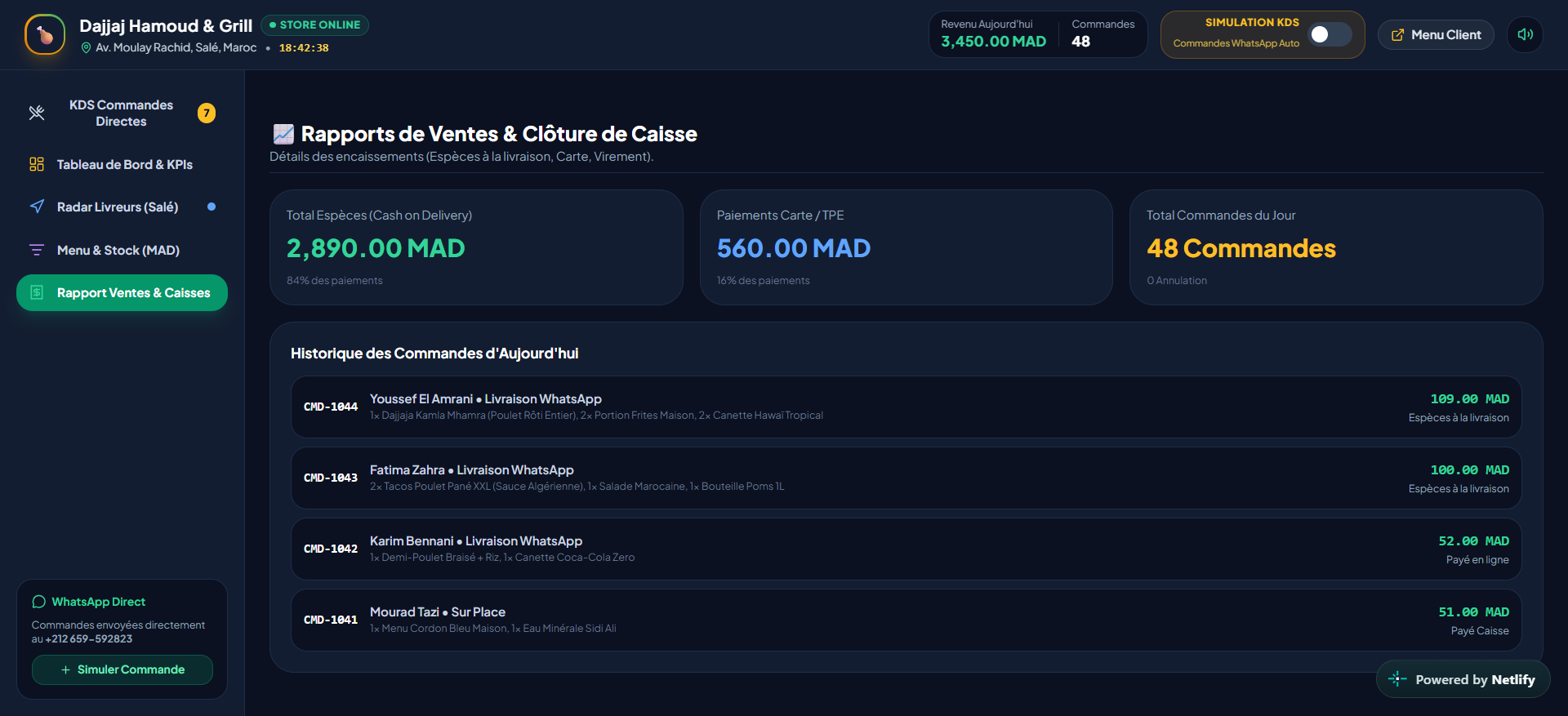
Example daily workflow
From action to traceable result.
- 01Guest scans QR
- 02Table is selected
- 03Order is sent
- 04Kitchen queue updates
- 05Manager tracks service
Automations
- Order status update
- Kitchen queue update
- Menu availability change
- Delivery tracking alert
Customization
- Branding
- Menu categories
- Table rules
- Kitchen states
- Languages
- Delivery workflow
Implementation includes
- Menu setup
- QR table setup
- Manager configuration
- Deployment
- Team onboarding
- Initial support
Your business could run like this.